1. Is Google Live Transcribe on iPhone?
No. Google's own help pages describe Live Transcribe as an Android app. It comes ready installed on Pixel phones and some other Android phones, and other Android users can get it from Google Play.
If you search the App Store for "Live Transcribe" you will find apps with that name or something close to it. They are made by other developers, not by Google. Some are good. Some are free to download and then ask for a monthly or yearly subscription.
Before you download one, scroll down its App Store page to In-App Purchases. The real cost is listed there.
2. What's the free option on iPhone?
Apple's Live Captions. It's built into recent iPhones, so there's nothing to install.
- Open Settings.
- Tap Accessibility.
- Tap Live Captions and turn it on.
A small captions panel appears. To caption someone speaking near you, tap the microphone button in the panel. We have a step-by-step guide to Live Captions on iPhone.
It's very good for calls and videos. For a face-to-face chat, the panel is small, and some people find it hard to read at arm's length.
3. What's closest to Live Transcribe on iPhone?
What people like about Live Transcribe is how plain it is. Open it, put the phone down, read. No account, no meeting to set up.
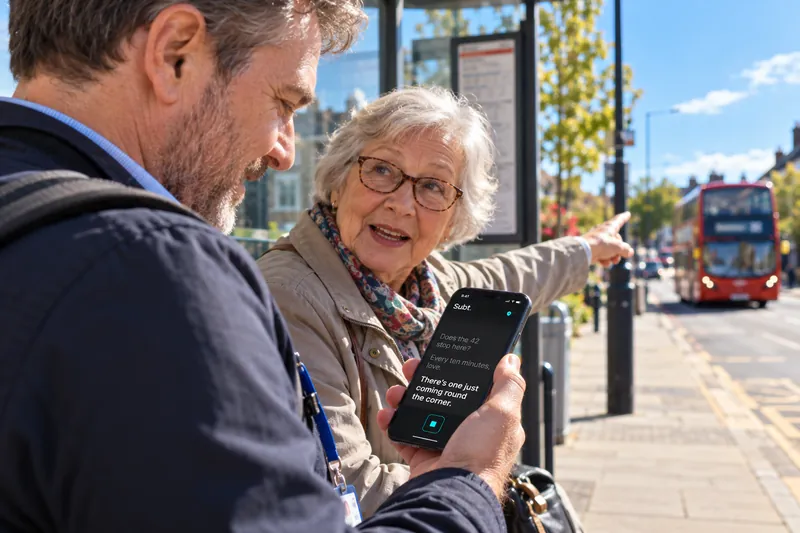
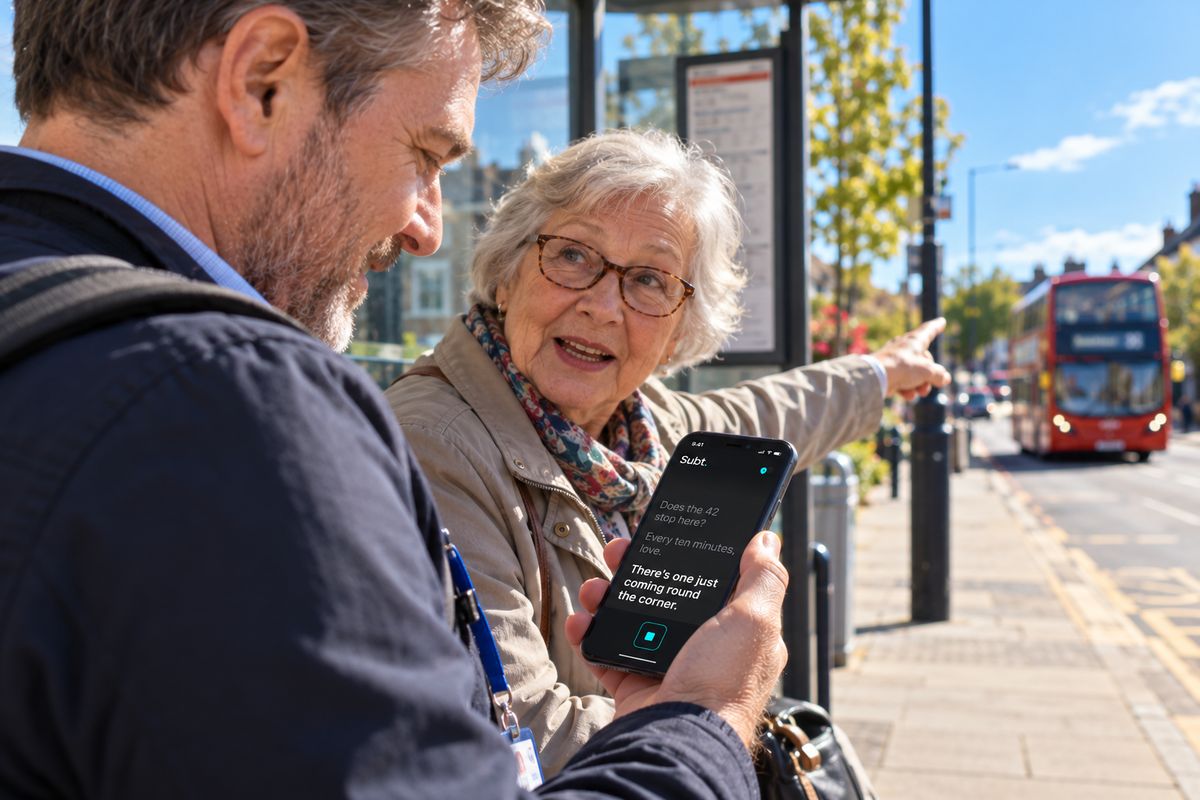
Subt is ours, and that is what we built it to do. Open it and put your iPhone between you and the person speaking. Their words fill the screen in very large type.
- No adverts. There is also a free version in the browser at subt.app.
- Works with no signal. The speech recognition runs on your iPhone.
- Nothing is recorded or saved. No account.
- Five listening modes, for quiet rooms, noisy places, fast talkers and groups.
Get Subt on the App Store. Or try the free version in your browser first at subt.app; it uses your browser's speech service, so it usually needs a connection.
What it isn't: Subt is English only for now, and it doesn't caption phone calls or meetings.
4. What if I need captions for meetings or groups?
Look at Ava. It runs on iPhone, Android and computers and is built for longer conversations with several speakers. It has a free plan with time-limited sessions and paid plans for more; check Ava's pricing page for current details.
For more choices side by side, see the best free live caption apps.
Quick answers
Why isn't Live Transcribe on the App Store?
Google built it for Android and hasn't released an iPhone version. Apple provides Live Captions on iPhone instead.
Is there a free Live Transcribe for iPhone?
Apple's Live Captions is free and built in. Subt's web version is free in Safari. App Store apps that use the Live Transcribe name are from other developers, so check each one's price.
Which is best for a quick chat at a counter?
Try Live Captions first, because you already have it. If the small panel is hard to read, a full-screen app such as Subt is made for that moment.