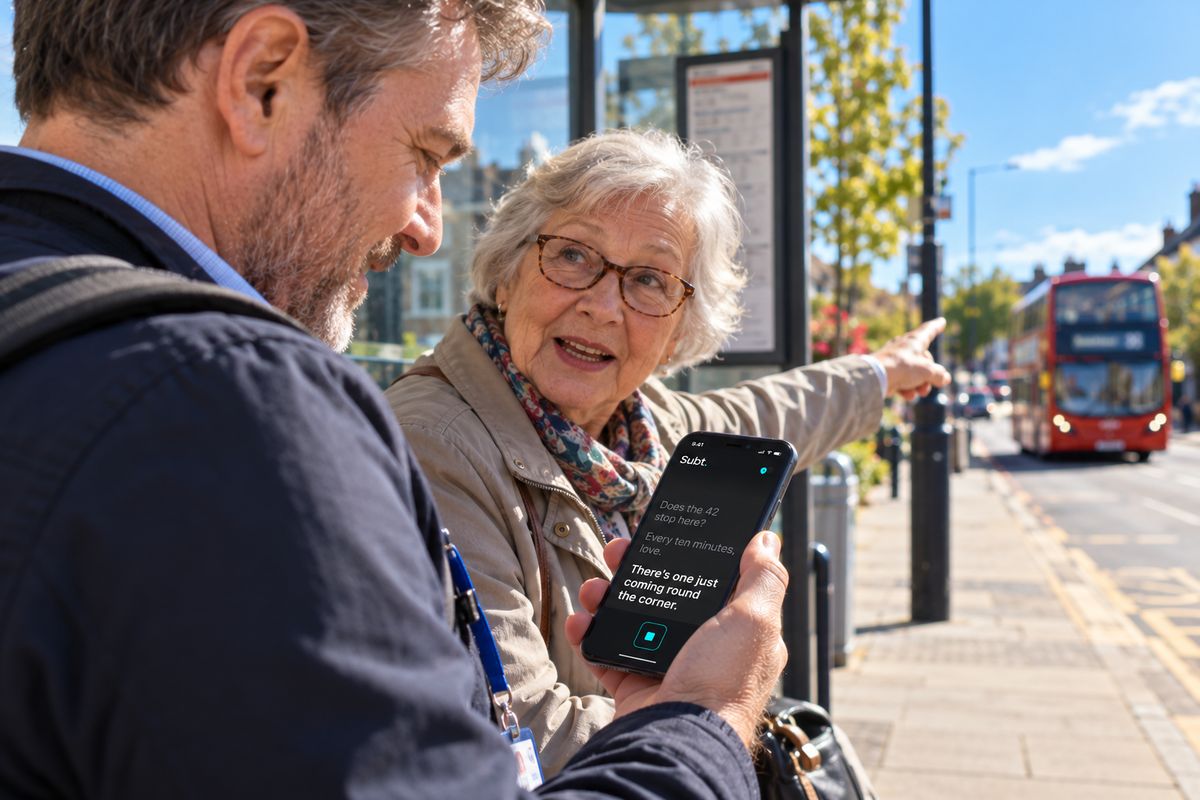
1. Why do some caption apps need the internet?
Turning speech into text takes a lot of computing. Many apps and websites send the sound to a server, which sends the words back. That needs a connection, and a weak one makes captions slow or patchy.
Newer phones can do the same work on the device. Nothing is sent anywhere, so it works in a lift, on a train or abroad with data turned off.
2. Do iPhone Live Captions work offline?
Apple describes Live Captions as working on the device. Turn it on in Settings > Accessibility > Live Captions; our guide shows how to set it up.
Apple also says accuracy can vary and that it shouldn't be relied on in high-risk or emergency situations.
3. Does Google Live Transcribe work offline?
On Android, it can. Google lets you download languages in Live Transcribe so it works without a connection. Do the download at home on Wi-Fi; check Google's help page for the steps on your phone.
4. Does Subt work offline?
Subt is our app. The iPhone app runs speech recognition on the phone, so yes: it works with no signal and no Wi-Fi, and nothing leaves your iPhone. Get Subt on the App Store.
The free web version at subt.app is different. It uses your browser's speech service, so it usually needs a connection.
5. Where does signal usually let you down?
- Hospital corridors, basements and scanning departments.
- Trains, tunnels and some rural stations. See deaf train travel in the UK.
- The back of large shops and pharmacies.
- Abroad, if you've turned data roaming off.
6. How do I test my captions before I need them?
- Turn on aeroplane mode and make sure Wi-Fi is off.
- Open your captions app.
- Ask someone to say a sentence, or play the radio.
If words appear, it works offline. If nothing happens, it needs a connection. One minute now saves a stressful moment later.
Quick answers
Are offline captions less accurate?
Not necessarily. Accuracy depends more on noise, distance from the speaker and how clearly they speak. Keep the phone within arm's length.
Are offline captions more private?
When speech is processed on the phone, the sound isn't sent to a server. Check each app's privacy policy for what it keeps.
Do offline captions use more battery?
Any live captioning uses battery. For a long day out, take a charger or power bank.